 IT Services
How to Choose the Best CCTV Camera for Home-…
How to Choose the Best CCTV Camera for Your Home
-
Define Your Needs and Use Case
Before diving into specs, figure out why you need CCTV:
- Do you want to monitor entrances, driveways, backyards, or indoors?
- Do you need constant recording or just motion-based alerts?
- Is remote viewing important (via smartphone)?
- What is your budget?
Knowing your needs helps narrow down which type of camera and features are most important.
-
Types of CCTV Cameras
Different camera types suit different use cases.
Here are the main types:
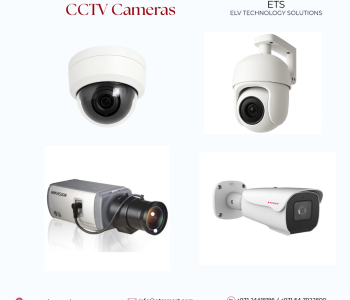
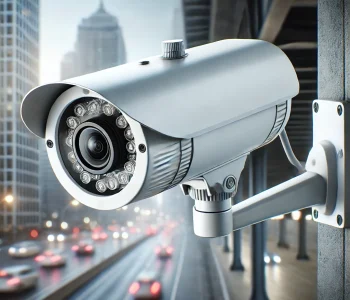
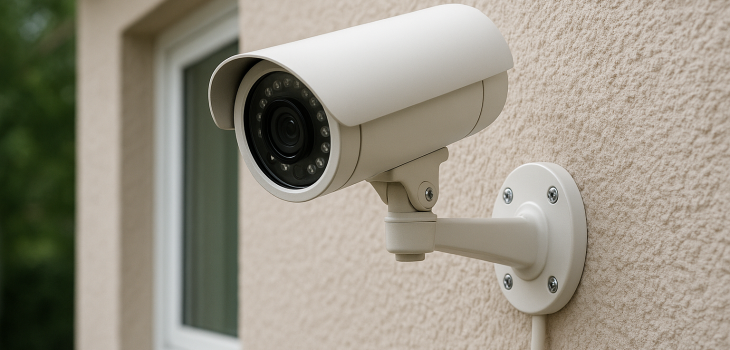
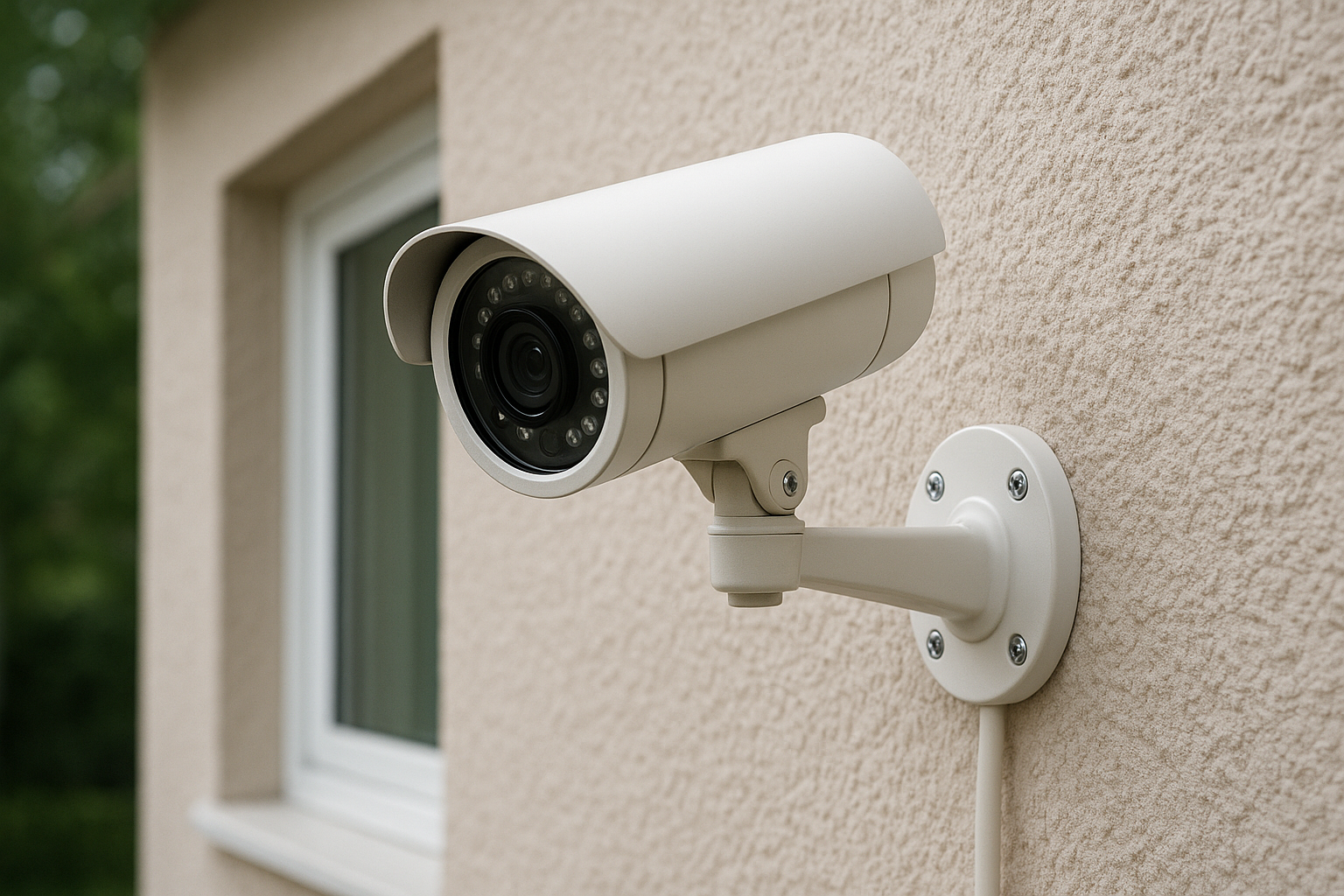
- Bullet Cameras: Long, cylindrical shape—often used outdoors. Good visibility, long range.
- Dome Cameras: More discreet, often used indoors or on ceilings.
- PTZ (Pan-Tilt-Zoom) Cameras: You can remotely move the camera direction and zoom in/out. Ideal for covering large areas.
- Wireless/IP Cameras: Use Wi-Fi or a wired network. Easier to install, especially for remote viewing.
-
Video Quality (Resolution)
- The higher the resolution, the clearer and more detailed the video: very useful for identifying faces or license plates.
- Common resolutions: 1080p (Full HD), 2K, and 4K.
- For home security, many experts recommend at least 1080p.
-
Field of View (Angle)
- A wide field of view lets the camera cover more area.
- For outdoor areas or large spaces, you may want a camera with a large viewing angle.
- But very wide-angle (like fisheye) can distort images; balance is key.
-
Night Vision/Low-Light Performance
- If you need monitoring at night, make sure the camera supports infrared (IR) night vision or has “starlight” sensors.
- Check how far the IR can reach and how clear the image is in low light.
-
Weather Resistance (For Outdoor Cameras)
- Outdoor cameras must withstand the elements—look for IP ratings, e.g., IP65 or IP66 for water and dust protection.
- Also check the operating temperature range, especially if you live in a place with high heat or cold.
- Vandal resistance may also be relevant: some cameras have strong housing to resist damage.
-
Power Source
- Wired cameras: Usually more reliable, steady power, but require cable installation.
- Battery-powered / wireless: Easier installation, more flexible, but battery life is a concern.
- Some systems also support Power over Ethernet (PoE), combining data and power in one cable—good for reliability.
-
Storage Options
Where and how the camera saves the footage is crucial.
- Local storage: Using microSD card, DVR, or NVR.
- Pros: More control, no monthly fees.
- Cons: Risk of data loss if device is damaged or stolen.
- Cloud Storage: Videos get uploaded to the cloud.
- Pros: Access from anywhere, safer if local device is compromised.
- Cons: May involve subscription cost.
-
Connectivity & Remote Viewing
- If you want to check live video on your phone, make sure the camera supports remote viewing via app.
- Also consider network reliability: Wi-Fi cameras need a stable, strong Wi-Fi signal.
- For security, check that the system uses encryption and supports two-factor authentication (2FA).
-
Smart Features/AI
Modern CCTV cameras can do more than record:
- Motion detection: Not just detecting any motion but more intelligent detection (people, pets).
- Facial recognition and advanced analytics—in smart cameras.
- Two-way audio: Talk and listen through the camera (useful for front doors, kids, and delivery).
-
Security & Privacy
- Choose reputable brands: This reduces the risk of vulnerabilities.
- Use secure passwords, and enable 2FA.
- Be cautious about where video is stored or sent. Local storage is more private; cloud storage is more accessible but needs trust.
- Understand local laws: In some places, recording audio or covering certain areas may have legal/privacy implications.
-
Installation & Maintenance
- Plan camera placement carefully: wrong placement reduces effectiveness.
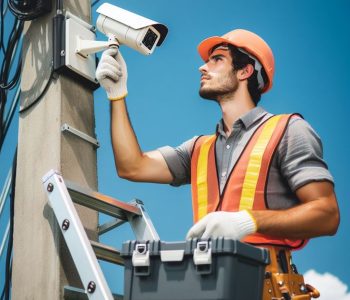
- If installing outdoors or in high spots, consider hiring a professional.
- Regularly clean the lens: Dust or grime can degrade image quality.
- Power backup: If power goes out, can your system still record? (UPS might help.)
-
Budget and Cost
- Consider both upfront cost (camera, installation) and ongoing cost (storage, power, subscription).
- Decide what trade-offs you’re okay with: Do you need ultra-high resolution (costly), or is 1080p enough?
-
Recommended Camera Examples
Here are a few CCTV/home security cameras to consider, depending on your needs:
- TP‑Link Tapo TC70—Compact, budget-friendly, and works over Wi-Fi.
- AXIS P1385-E—a box camera that offers excellent image quality in HDTV 1080p at up to 60 fps.
- Dahua DH-IPC-HFW2441T-AS—4-megapixel (4MP) WizSense network camera that features an IR fixed-focal bullet design, a built-in microphone, and smart monitoring capabilities.
- Hikvision DS-2CD3143G2-LISU – 4 MP AcuSense Smart Hybrid Light Fixed Dome Network Camera.
- Xiaomi Smart Camera C701—Good resolution and smart features.
- TP‑Link Tapo Pan/Tilt 360°—Can pan and tilt to cover more area.
- Ring Pan‑Tilt Indoor Camera—Reliable brand, good for indoor monitoring.
- 8 MP 4K PTZ AI Security Camera—High resolution + pan/tilt/zoom + AI.
- Dahua DH-IPC-HFW2441T-AS – 4-megapixel (4MP) WizSense network camera that features an IR fixed-focal bullet design, a built-in microphone, and smart monitoring capabilities.
Conclusion
Choosing the best CCTV camera for your home isn’t just about picking the most expensive or most “feature-rich” one—it’s about matching your security needs, budget, and lifestyle.
Focus on:
- Understanding what you want to monitor.
- Assessing where cameras will be placed.
- Evaluating technical features (resolution, night vision, storage).
- Prioritizing security & privacy of your system.
- Planning for maintenance and long-term costs.
For more details, please contact us.